Here's what landed in BotFriday in November.
Upload Resumes Directly from Your Dashboard
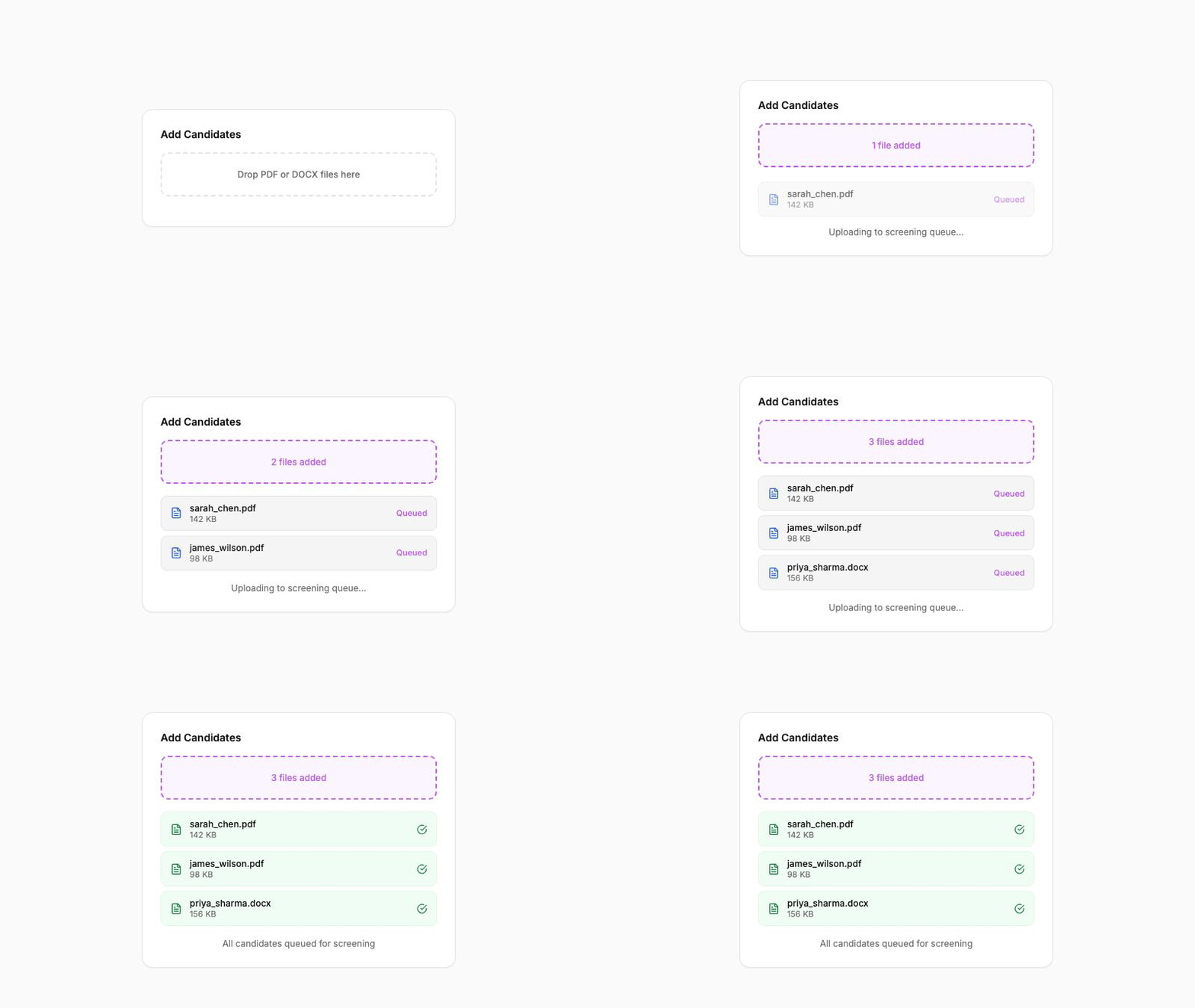
Until now, resumes entered BotFriday through your ATS integration. Candidates applied, the integration picked them up, and LEX got to work. That's still the primary flow, but sometimes you just need to screen a handful of CVs that arrived via email or a referral.
Now you can. Open any job on the dashboard, click Add Candidates, and drag your files straight in. BotFriday queues each resume for screening automatically, so there's no need to push them through your ATS first.
This is especially useful when you're evaluating candidates from job fairs, internal referrals, or recruitment drives where resumes arrive outside your normal pipeline.
How to use it: Navigate to a job on the dashboard, hit "Add Candidates", and drop one or more PDF or DOCX files. Each file becomes a separate screening job with full assessment output.
Screen Multiple Candidates at Once
Along with direct upload, we've added multi-file support. Instead of uploading one resume at a time, select an entire batch and BotFriday queues them all in parallel. Each candidate gets their own screening job with individual scoring and assessment.
This pairs naturally with the direct upload feature. Grab a folder of CVs from a campus drive, drop them in, and come back to a ranked shortlist.
Download Assessment Reports
Once LEX has finished screening a candidate, you can now download a polished assessment report. The report includes the candidate's extracted details, the assessment breakdown, and the overall fit score, all formatted cleanly so you can share it with a hiring manager or attach it to an internal review.
You can download reports individually from the candidate detail drawer, or generate them for parent and child assessments separately. This is useful when you want to share just the summary with stakeholders while keeping the detailed breakdown for your own records.
How to use it: Open any completed screening result, click the download icon, and choose between the summary report or the full detailed breakdown.
Smarter Scoring Against Job Criteria
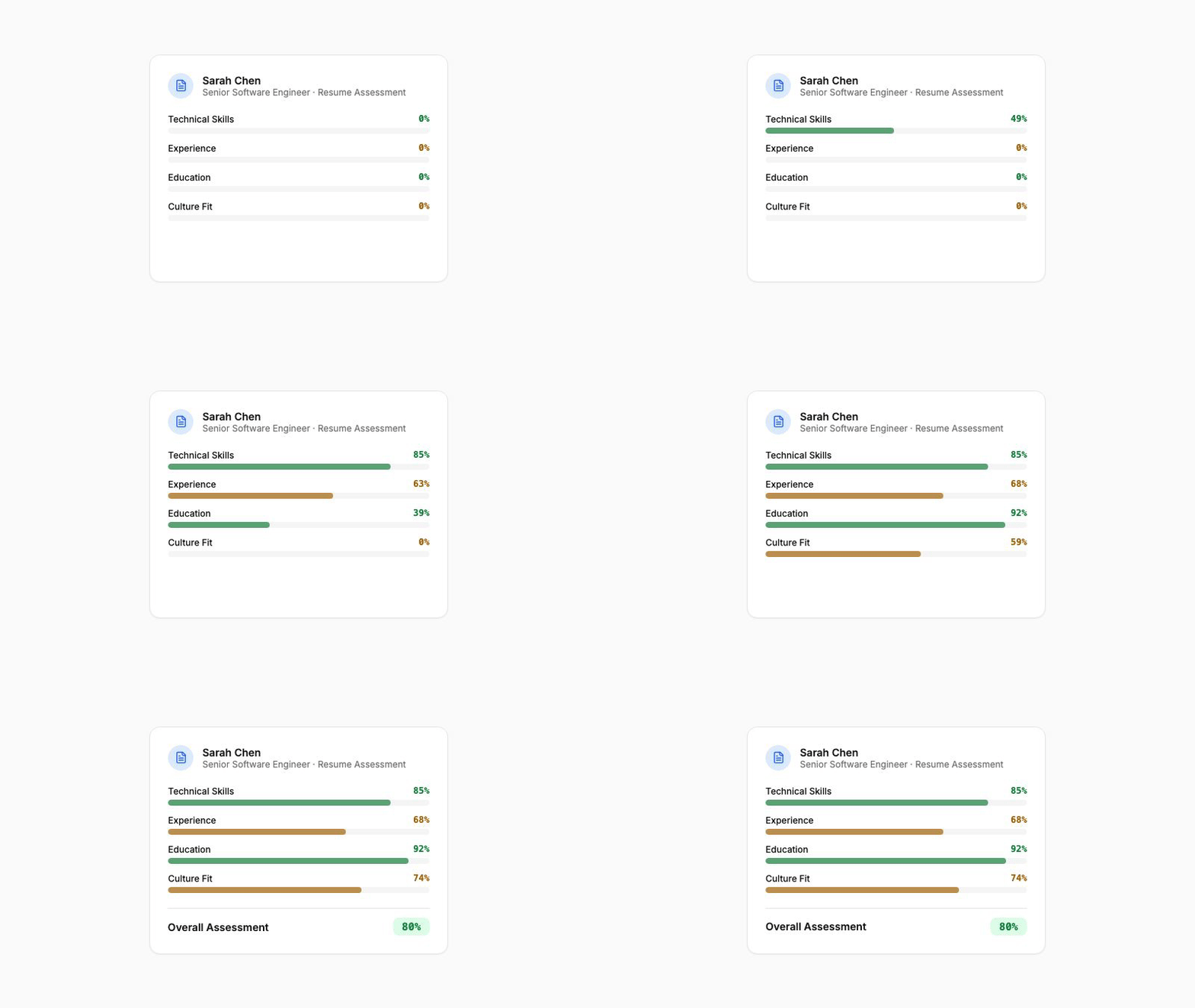
We've tightened how LEX evaluates resumes against your job requirements. The assessment model now weighs the specific criteria you've configured for each job (required skills, experience levels, qualifications) rather than relying on a generic relevance score.
The result: scores are more meaningful and more comparable across candidates for the same role. A 78% on one job means the same thing as a 78% on another, because both are measured against the criteria you defined.
These updates are live for all BotFriday accounts. If you have questions or want a walkthrough, book a quick demo with our team.