Every month we share what we've shipped to help your team hire faster. Here's what landed in BotFriday in December.
Smarter Interview Scheduling
VOX already handles the back-and-forth of scheduling a phone interview with candidates over email. We've made that flow more reliable with a few important changes.
First, there's now a confirmation step before any reschedule takes effect. If a recruiter clicks the reschedule button from the dashboard, they'll see a confirmation dialog with the new time before anything changes. No more accidental reschedules from a stray click.
Second, we've tightened the scheduling logic so VOX handles edge cases better. Candidates who reply outside business hours, timezone mismatches, and too-early callback attempts all get handled gracefully instead of falling into retry loops. There's also a maximum schedule time setting now, so you can cap how far into the future candidates can book.
How to use it: Scheduling works the same way from the candidate's perspective. The improvements are behind the scenes: fewer stuck jobs, fewer manual interventions.
Set Time Limits Per Question
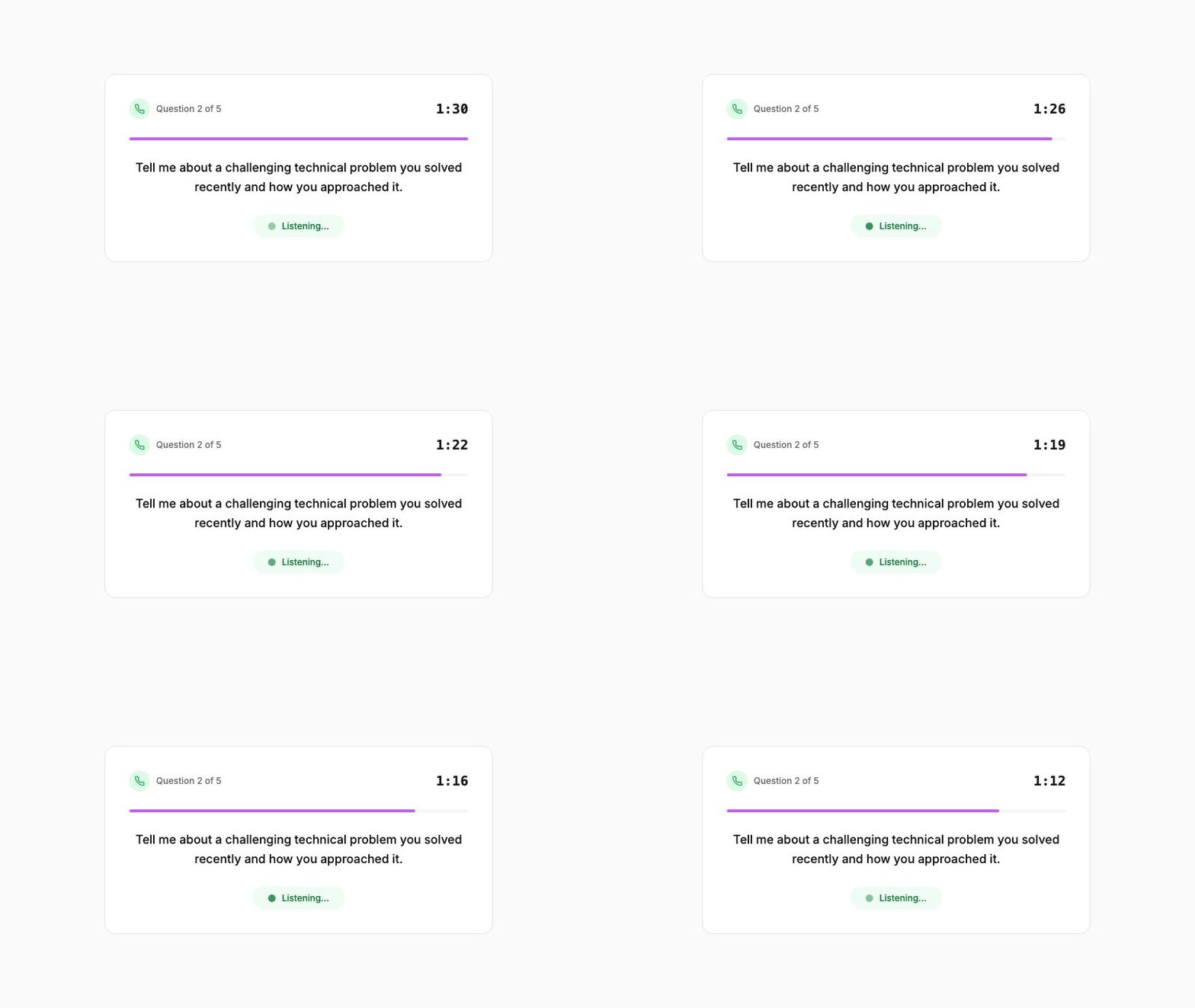
When you configure a VOX interview, you can now set a maximum duration for each individual question. This is useful when you want focused, concise answers, especially for screening calls where you're evaluating a high volume of candidates.
If a candidate runs over the time limit on a question, VOX politely moves the conversation to the next one. The transcript still captures everything the candidate said, but the interview stays on track and within your target duration.
This works for both standard VOX agents and the newer EVOX agent type, so you get consistent time controls regardless of which voice agent you're using.
How to use it: In your agent configuration, set the per-question duration limit (in seconds). VOX enforces it during the call and notes it in the transcript.
A New Voice for Your Interviews
VOX now offers a female AI voice option alongside the existing male voice. When you configure an agent, you can choose which voice best fits your company's brand and the tone of the interview.
Both voices support the same natural conversational style, interruption handling, and assessment capabilities. The only difference is the voice itself.
How to use it: When creating or editing a VOX agent, select your preferred voice in the agent configuration. The change applies to all future calls for that agent.
Play Call Recordings in the Browser
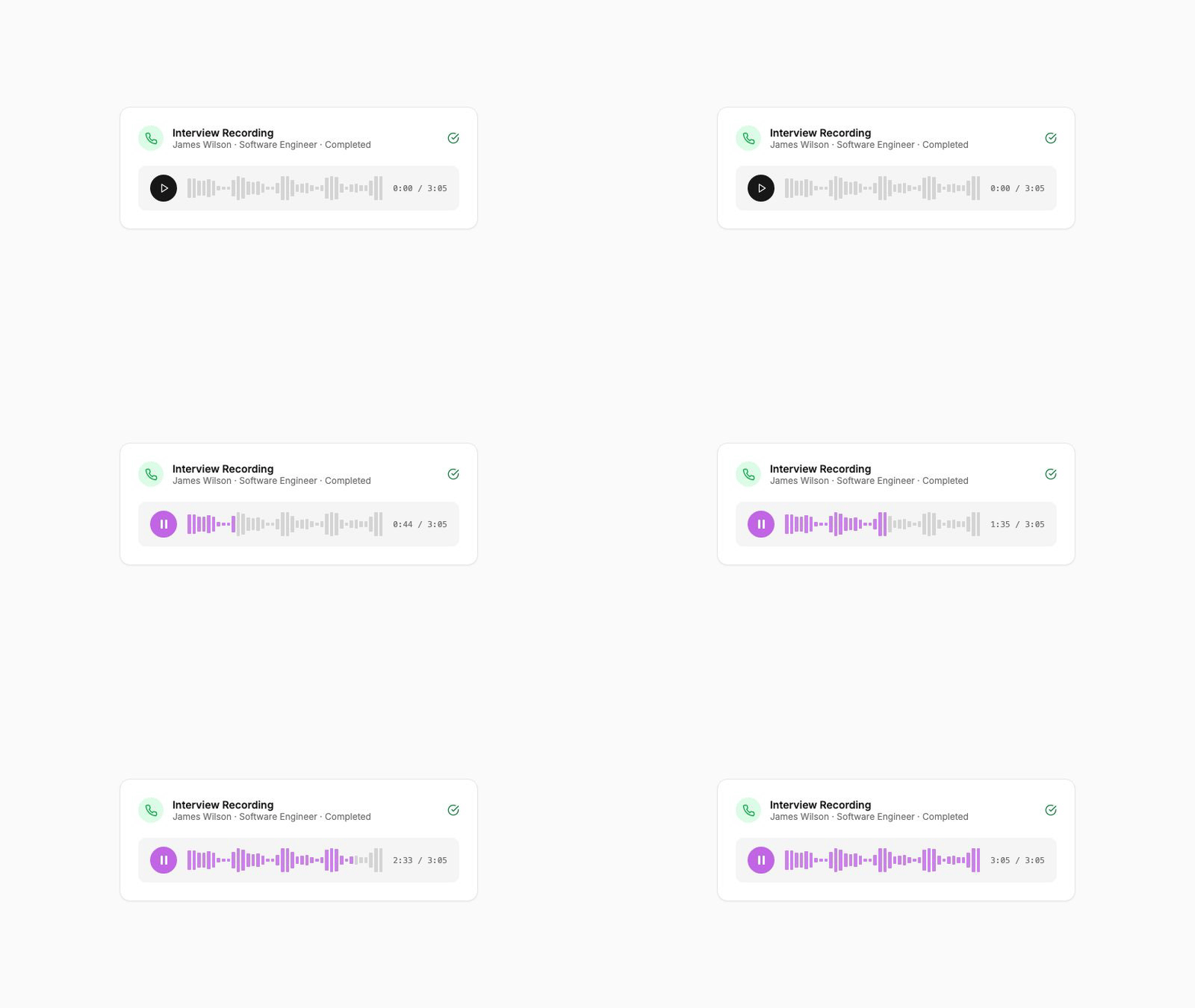
Previously, listening to a completed VOX interview meant downloading the recording file and opening it in a separate player. Now you can play recordings directly in the dashboard.
Open any completed interview from the queue, and hit play. The recording streams in your browser with no download required. This makes it much faster to review calls, especially when you're scanning through multiple candidates back to back.
How to use it: Open a completed VOX screening result from the dashboard and click the play button on the recording.
These updates are live for all BotFriday accounts. If you have questions or want a walkthrough, book a quick demo with our team.